When you add a purchase invoice from a miscellaneous vendor, you enter and attach that vendor's name and address details to the invoice (see One Time Purchases from Miscellaneous Vendors).
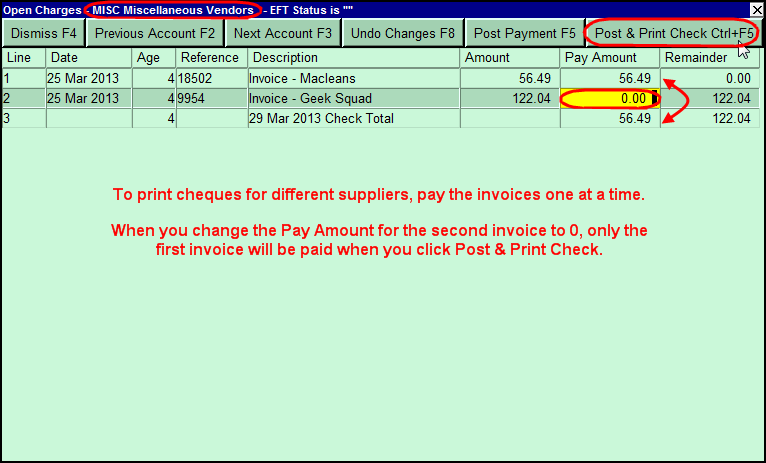
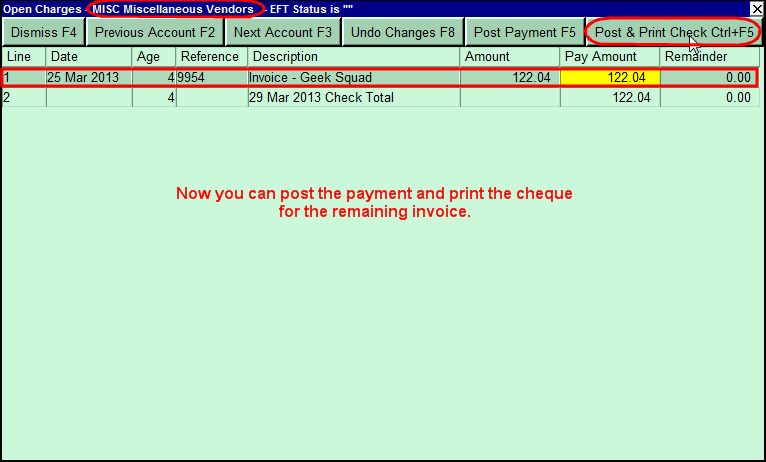
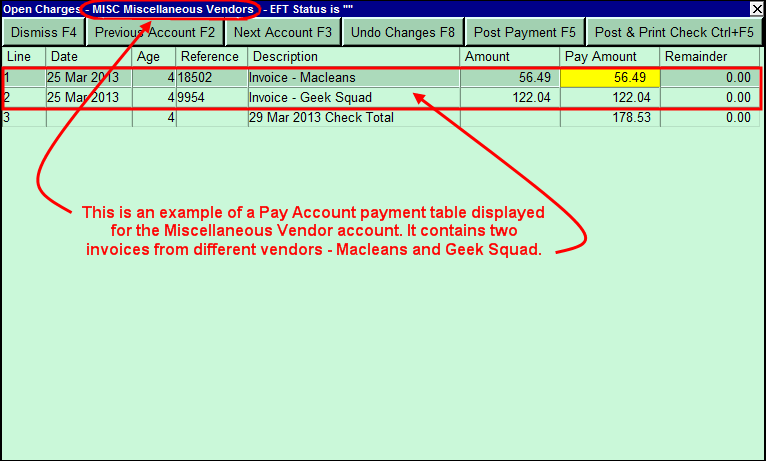
If there is only one open invoice in the miscellaneous vendor account when you run the Tools>Pay Account command, you can pay the invoice and print a cheque addressed to that vendor. If there is more than one open invoice for different suppliers, however, you have to pay them one at a time by changing the Pay Amount to 0 for all invoices but the one being paid.