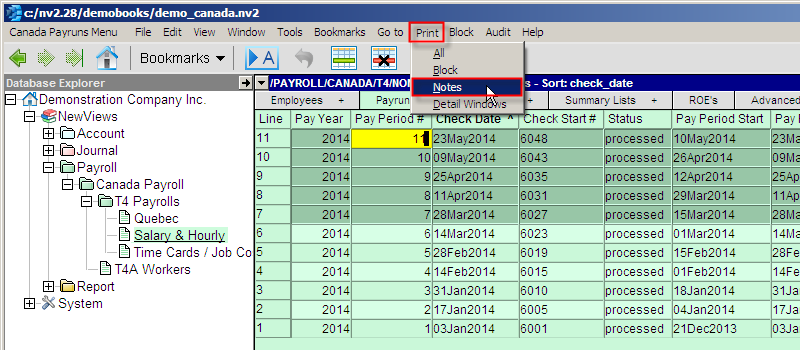
Notes can be printed via your browser. A menu command Print is available for Notes windows that will launch your default browser on the content of the notes. You can open the file immediately and print it or save it.
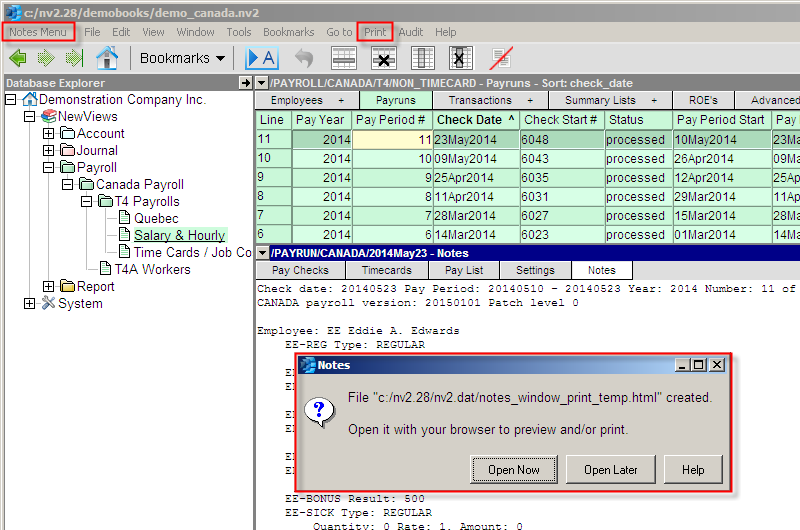
A command Print>Notes is available to all tables that have a notes tab in the detail window. It does the same thing as printing from the notes window tab, but if a block or blocks are marked then each notes view is separated by a page break.