PDFCreator is required to be installed on the workstation that prints to PDF.
PDFCreator is free and open source software.
Click here to download PDFCreator.
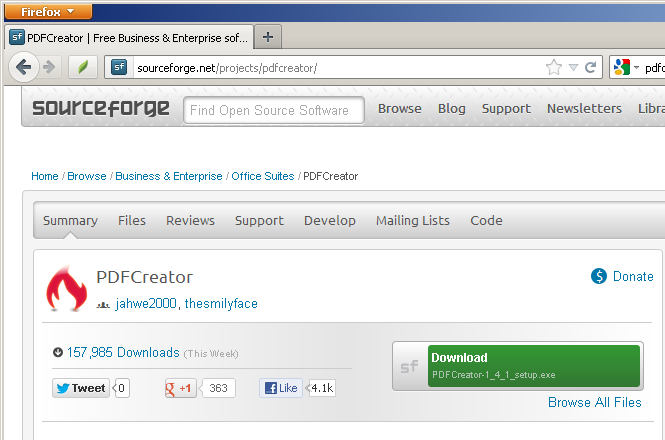
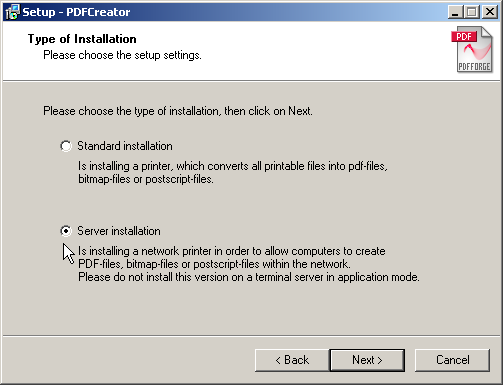
Version 1.3.1 of PDFCreator can be installed in one of two ways.
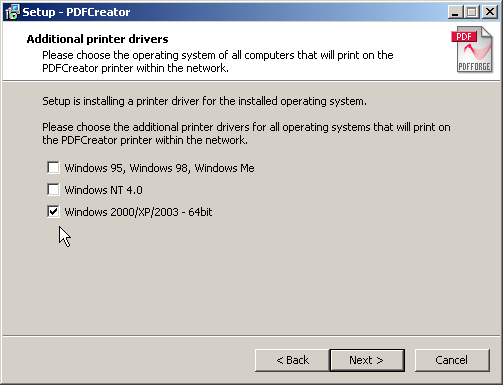
During setup PDFCreator asks for additional printer drivers
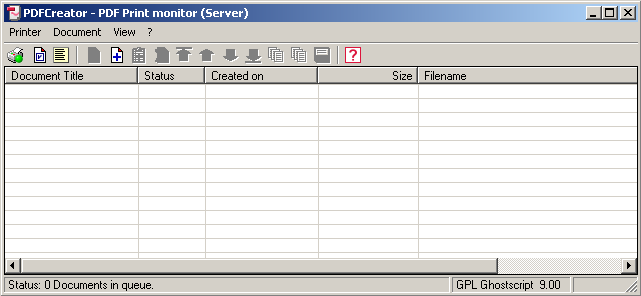
At the end of the installation, a PDF print monitor window should appear.
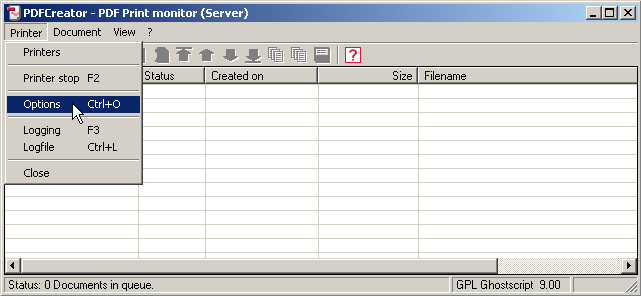
We need to make one setting change to the PDF print monitor. Please click on Printer>Options.
We need to make one setting change in the Auto-save settings.
Directly under the navy blue line Auto-save, click on
the Use Auto-save check button.
Click on the Save button.
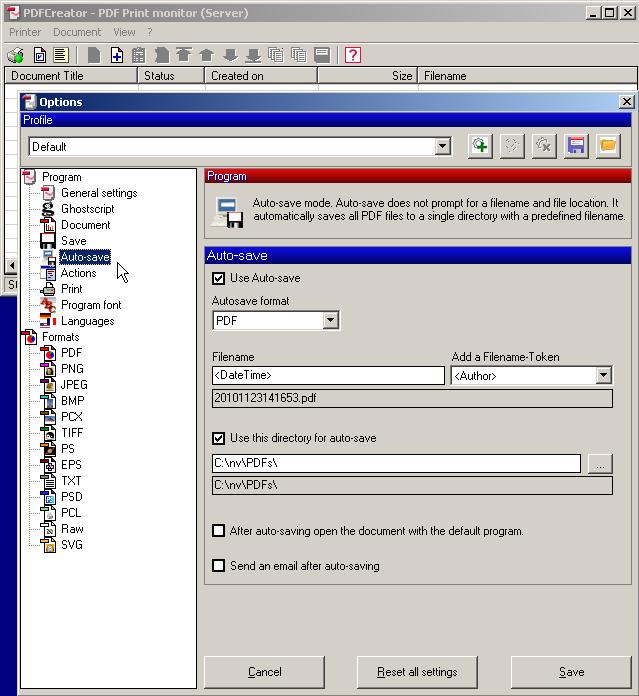
In the screen shot above the original text in Use this directory for auto-save listed C:\PDFs\REDMON_MACHINE\REDMON_USER\ as the directory for auto-save. You should edit this to read C:\nv\PDFs\ to store your temporary PDF files as shown.
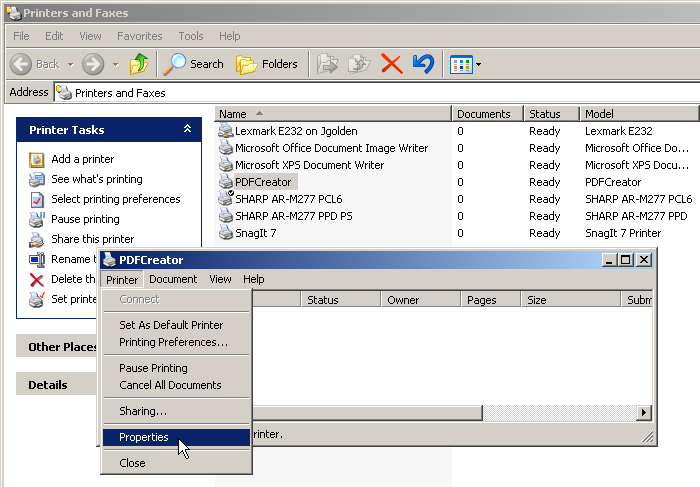
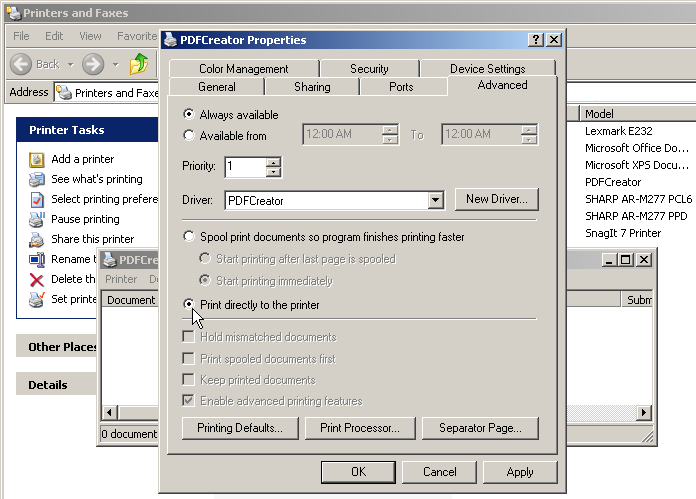
We need to make one last setting change to the PDF print driver.
PDFCreator is now ready to accept print documents from NewViews.