Go to your purchase invoice journal and add a new line.
Enter the date of the check, a comment such as "Quick Check" and the check number (reference field).
Set the "Vendor" account to be your bank account.
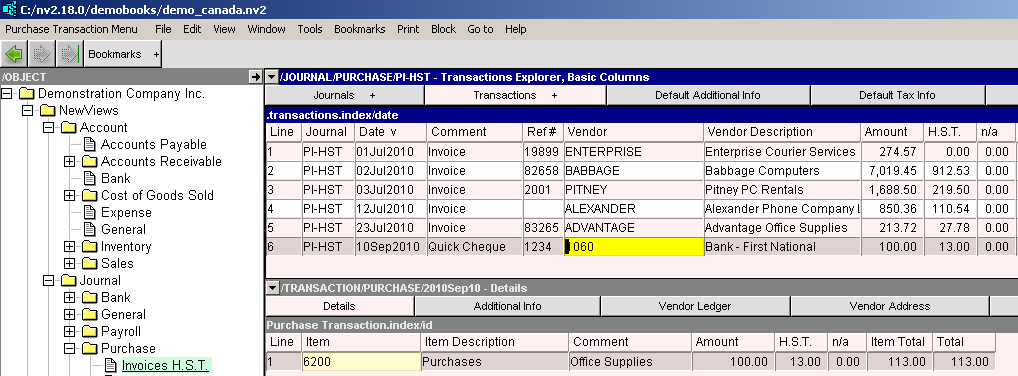
In the details area, enter the expense account(s), comment and amount for the item(s) purchased.
While still in the details area, click on the vendor address tab.
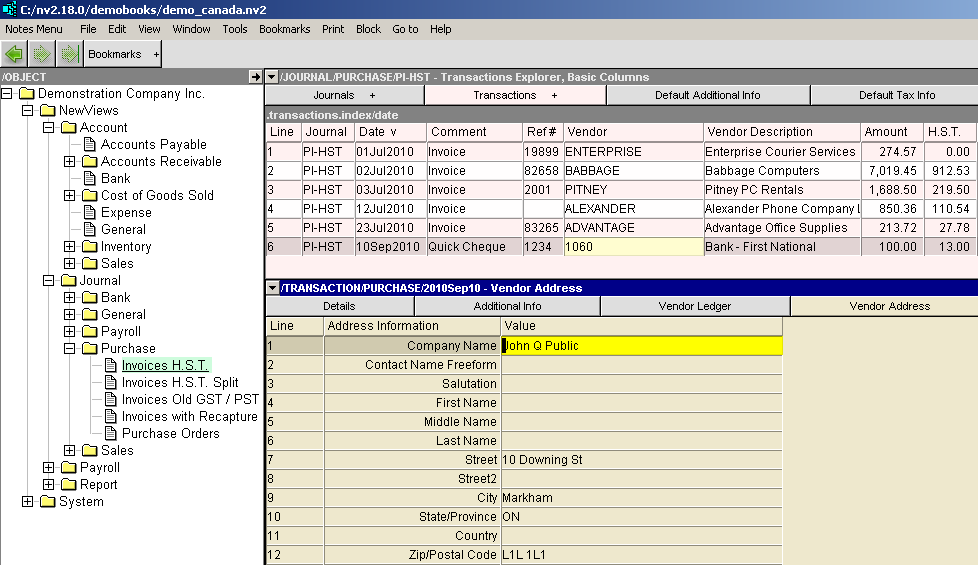
Set the "Company Name" field to be the payee. Fill in the rest of the address fields as necessary.
Back in the transaction explorer screen, issue the command "Print Check".