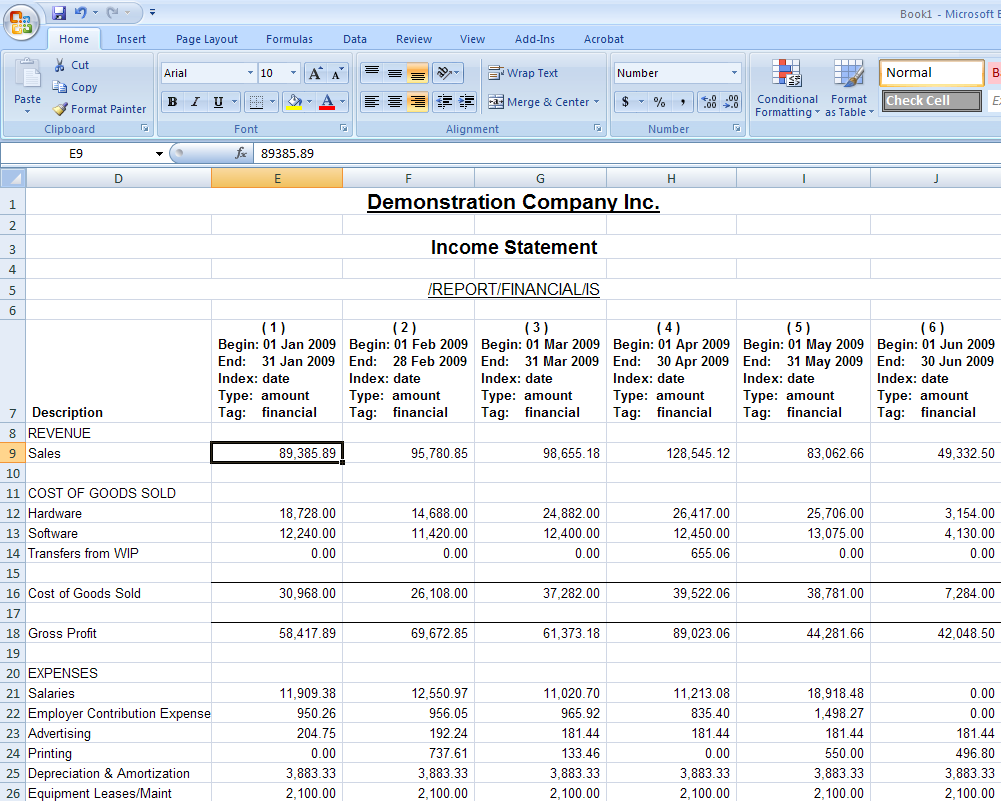
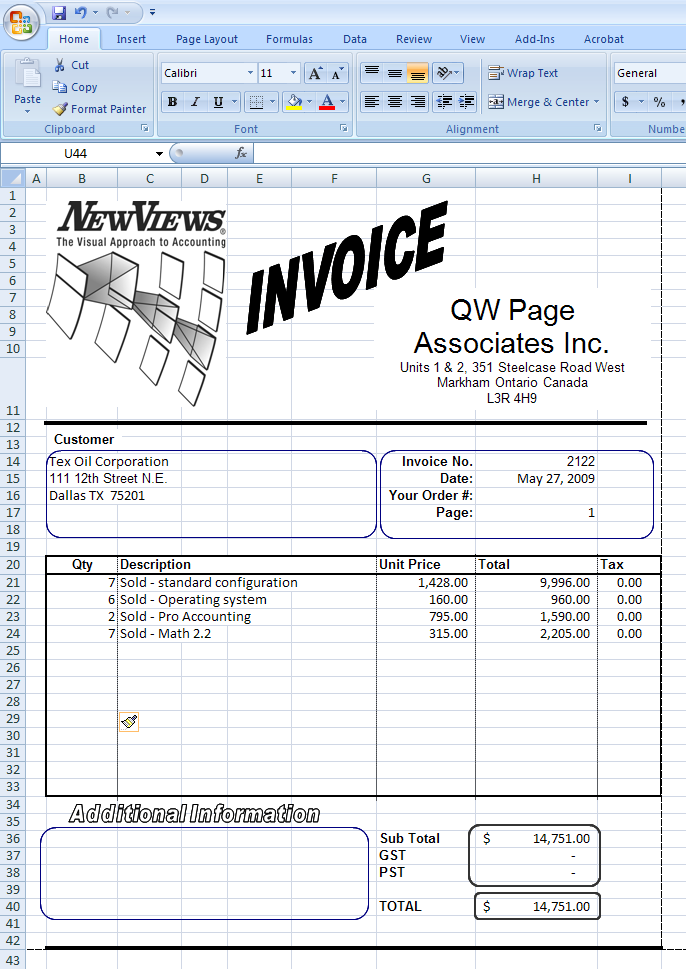
In NewViews, printing can be divided into two main categories:
Test Page templates are available to check the printing of your documents. Each document test template contains all the fields' cell names for a specific type of document. The test templates are grouped by document type as well as one template for all common fields.
All printing is performed using Microsoft Excel ©, which makes all of Excel's extensive formatting options available to NewViews printing. When printing documents in NewViews, it doesn't matter if Microsoft Excel is open or closed. If Excel is open prior to printing, it will still be open when NewViews finishes printing. If Excel is not open prior to printing, it will close when NewViews finishes printing.
An exception to this is printing with the NewViews Mail Merge feature, which relies on Microsoft Word. If Microsoft Word is closed when you start a NewViews Mail Merge, it will still be closed once the Mail Merge has completed. If, on the other hand, Word is open before you run Mail Merge, an error will occur because NewViews cannot take control of Word in this situation. A future version may address this issue.