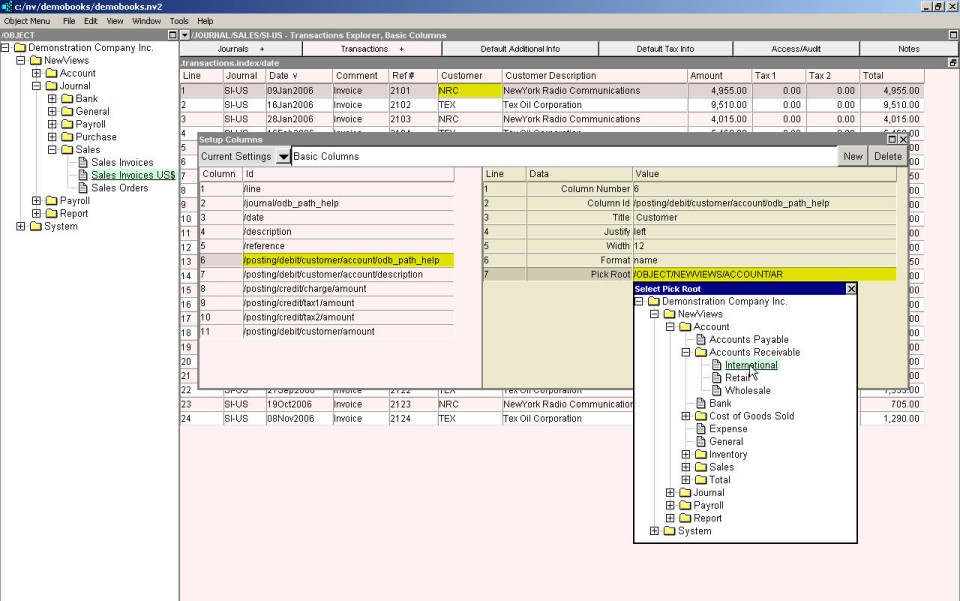
By enabling you to make choices from a list, select boxes (<F3>) eliminate the inconvenience of forgetting document names, and reduce typing and data entry errors. NV2 provides select boxes wherever it is appropriate.
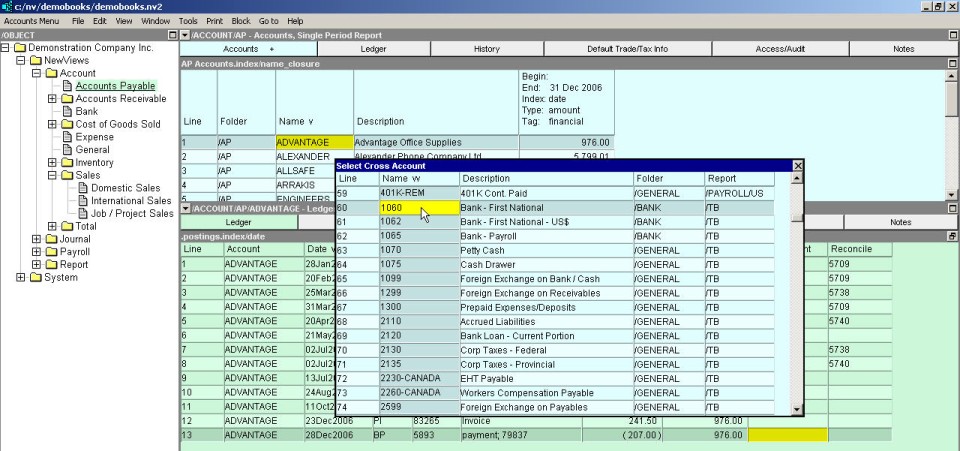
The items in select boxes are listed in either name or description order. When the select box is sorted by name, the name column is shaded. When the select box is sorted by description, the description column is shaded.
To move around in select boxes, you can use cursor movement keys, or you can converge on items quickly by starting to type their names or descriptions, depending on the current order.
Simply start typing the name or description of the item, depending on whether the cursor is in the name or description column, respectively.
As you type, the cursor automatically converges on the item that matches the characters.
It generally takes only a few characters to move the cursor to the target item.
If you enter an invalid character (e.g. a sequence of characters for which there is no match), the cursor jumps to the item that provides the closest match.
If you press the <Backspace> key, you can reverse the converging process character by character.
To begin again, press the <Home> key, and then start typing a new character string.
To choose an item from a select box, double click the item with the mouse, or position the cursor on the item and press <Enter>. To clear the select box without choosing anything, press <Esc>.
Depending on the selection to be made, select boxes can also appear as tree explorers. When the select box is a tree explorer, click + as required to expand the folders and navigate to the item to be selected. Double click the item to select.