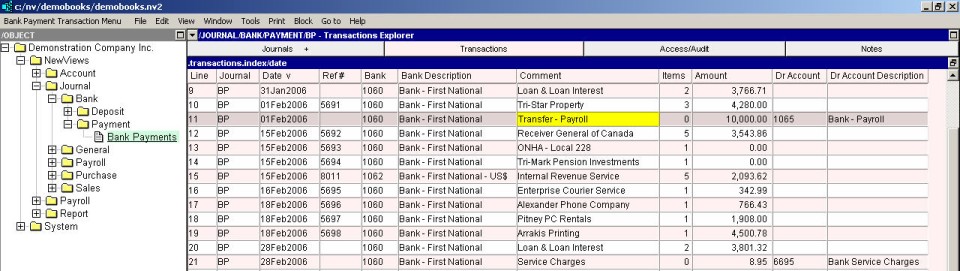
To add a simple transaction to a journal:
Activate the journal to which the transaction is to be added.
Press <Alt+E+A> or issue the command Edit>Append to add a new item to the table. (NOTE: The line number is generated automatically.)
Enter the date, reference and description.
In the debit amount field, enter the amount of the transaction. The credit amount is filled in automatically.
In the debit account field, type the account name or press <F3> to select the account from a select box (press <Enter> or double click to select). The debit account description is filled in automatically. (NOTE: Instead of entering the debit account name, you can enter the debit account description, in which case the account name is filled in automatically.)
In the credit account field, type the account name or press <F3> to select the account from a select box. The credit account description is filled in automatically.
NOTE: When entering a simple transaction in a journal, you can choose to enter the debit or the credit side of the transaction first.
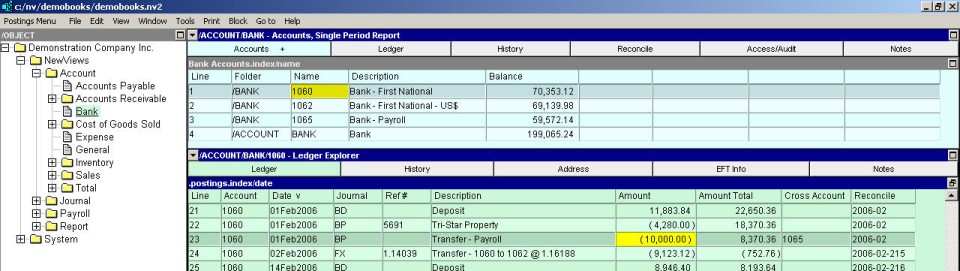
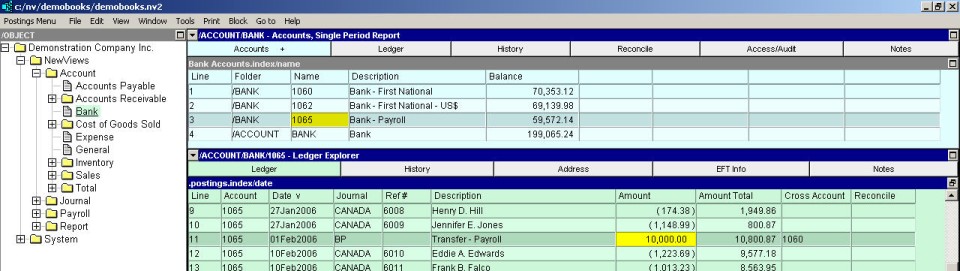
NOTE: To view the corresponding debit entry in the account ledger, activate the debit amount, debit account or debit account description and press <F9>. To view the corresponding credit entry in the account ledger, activate the credit amount, credit account or credit account description and press <F9>.