The purchase of goods or services from vendors or cash transactions are recorded in a purchase journal.
NV2 "out of the box" provides two purchase journals: a Purchase Invoices journal and a Purchase Orders journal.
If you don't recognize the view, use the View Command to switch between various levels of details in the lower pink invoicing table. If you are not familiar with switching views, please read Transaction Detail Table Views for further information and tips and techniques.
For information on adding simple invoices, see Adding Purchase Invoices.
For information on backorders/partial receipts, see Backorders/Partial Receipts.
For information on units of measure, see Units of Measure - Purchase.
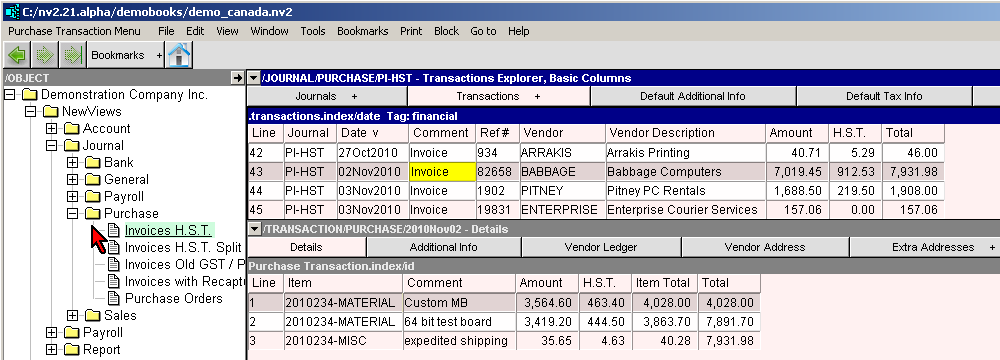
You can add more purchase journals as required (see Sub-Journals).