Below we detail an example of sub-foldering. Assume Accounts Payable should be reorganized from a flat list of vendors into groups that more better reflect who and what they are. In the case below, a new folder for government payables is created and an account is moved from the Accounts Payable folder to the Government Payables folder.
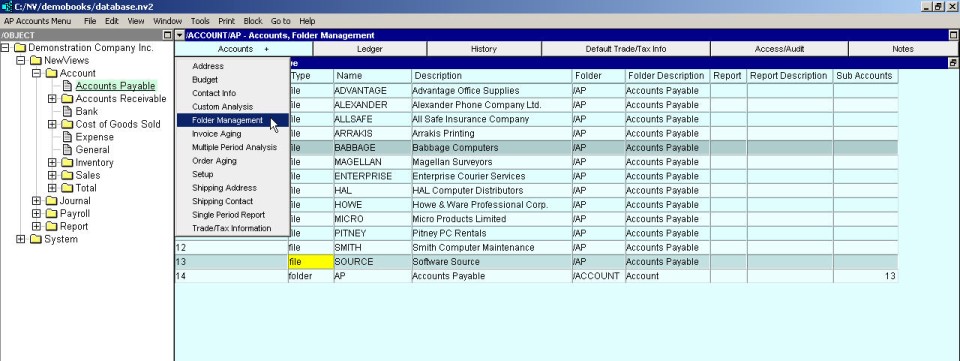
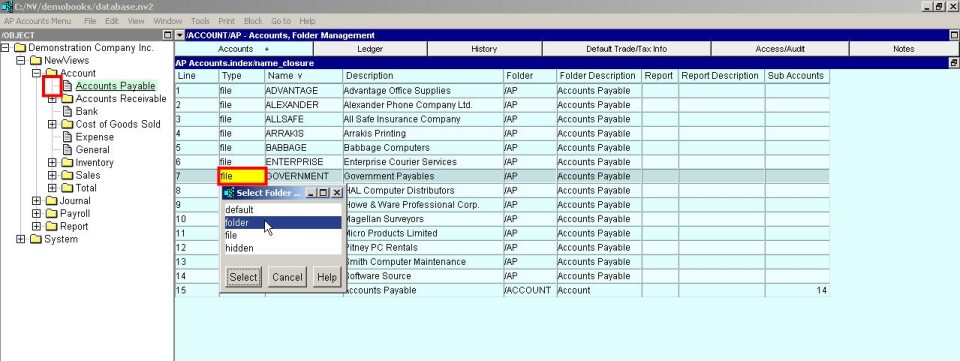
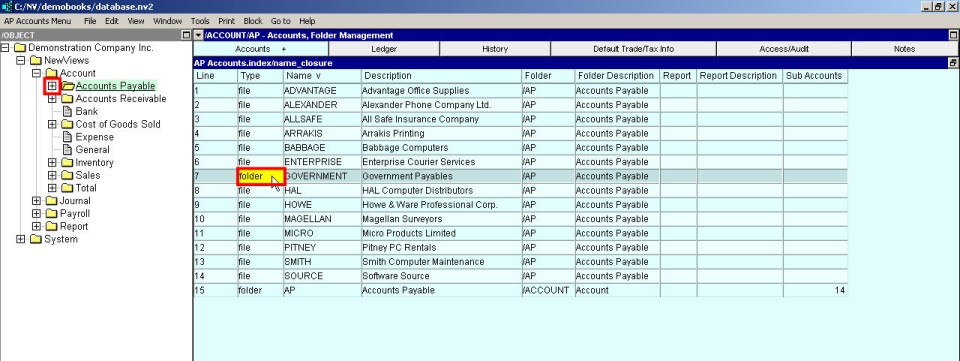
The Type column should be set to folder to cause the row to appear as a folder. The example window above shows the Government Payables row before the Type is set to folder, and the example window below shows the result (after an Edit>save command (shortcut <F5>)).
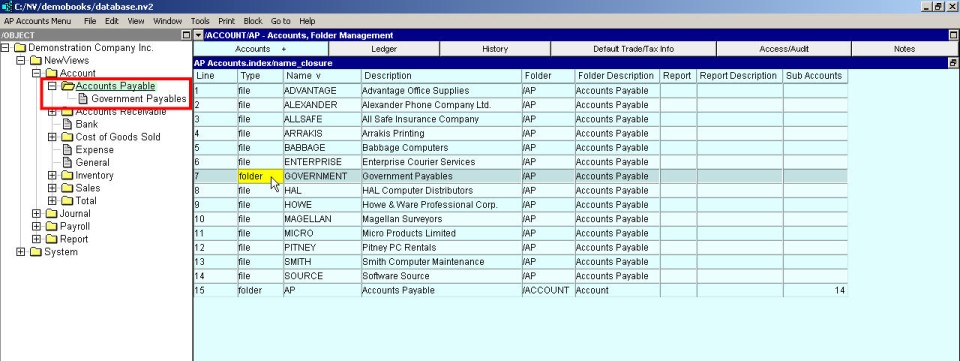
Continue this example in the next section Moving Objects from one folder to another