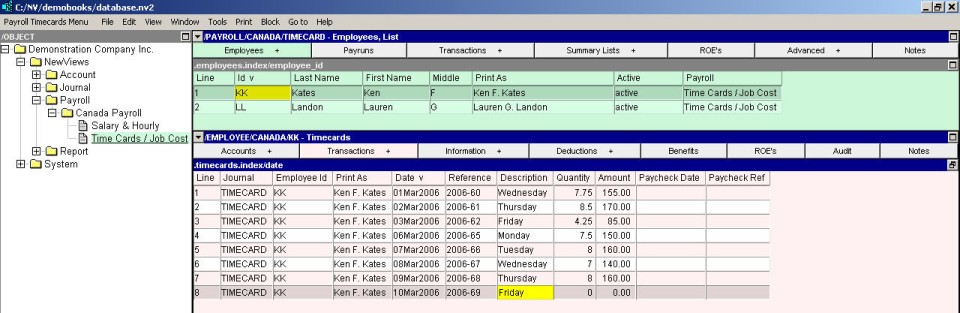
In the table of Timecards, issue the command Edit>Append to add a new timecard.
Timecards may be entered either on an employee by employee basis or for a particular employee. How frequently you enter timecards is entirely up to you. You might enter timecards every day or wait until just before the payrun or any combination thereof.
To enter timecards on an employee by employee basis:
Activate the Payroll you wish to enter timecards for.
In the payroll window use the window tabs to choose the Employees tab.
Select the employee you wish to enter timecards for.
In the employee (middle) window use the window tabs to choose the transactions-timecards tab.
In the table of Timecards, issue the command Edit>Append to add a new timecard.
In the new timecard line, enter/edit the timecard date, reference, and description as appropriate. Please note that when you process a payrun, only timecards whose date falls within the payrun pay period will be paid.
In the bottom window use the window tabs to choose the timecard details window.
In the timecards details window, issue the command Edit>Append to add a new detail item.
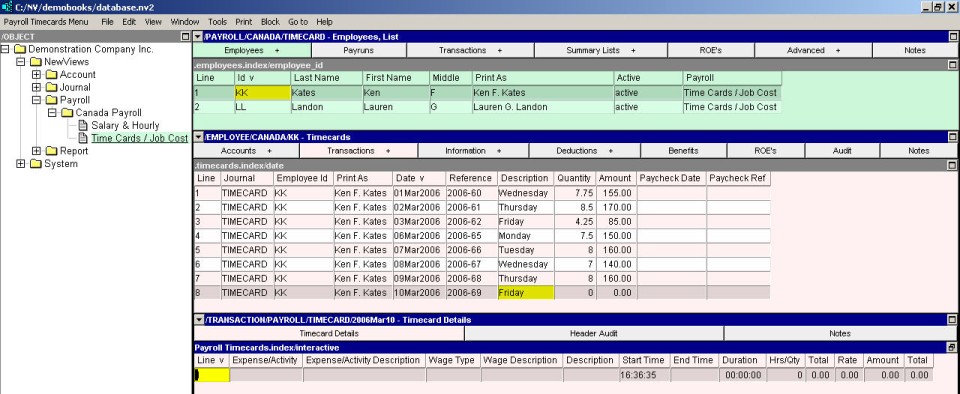
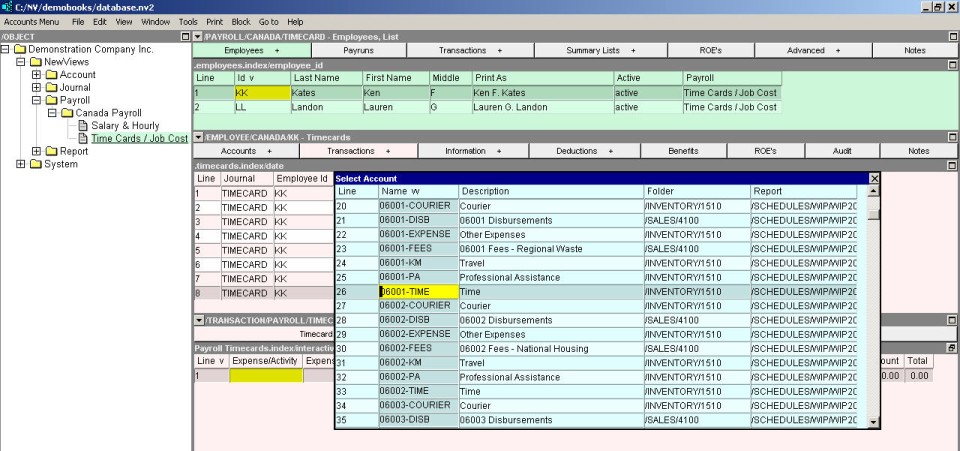
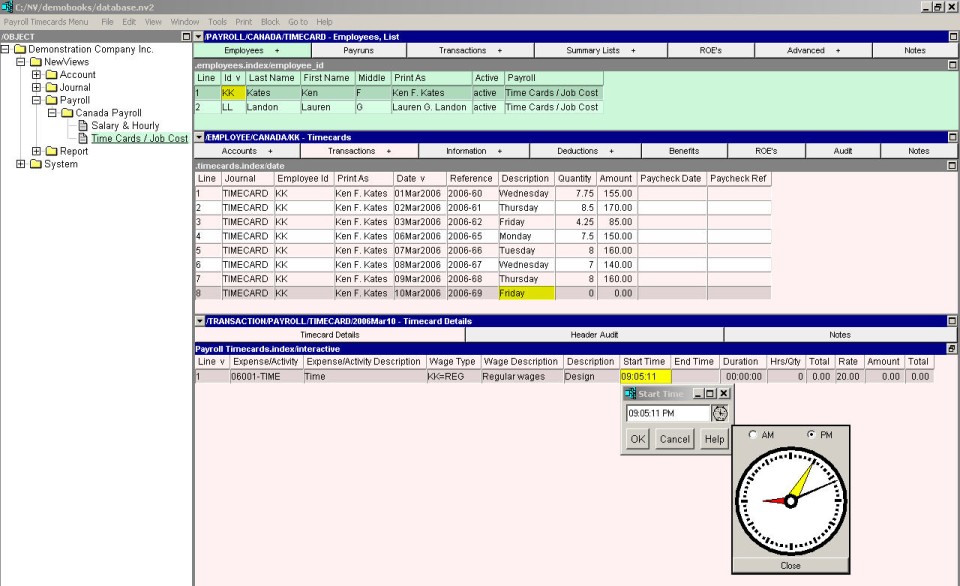
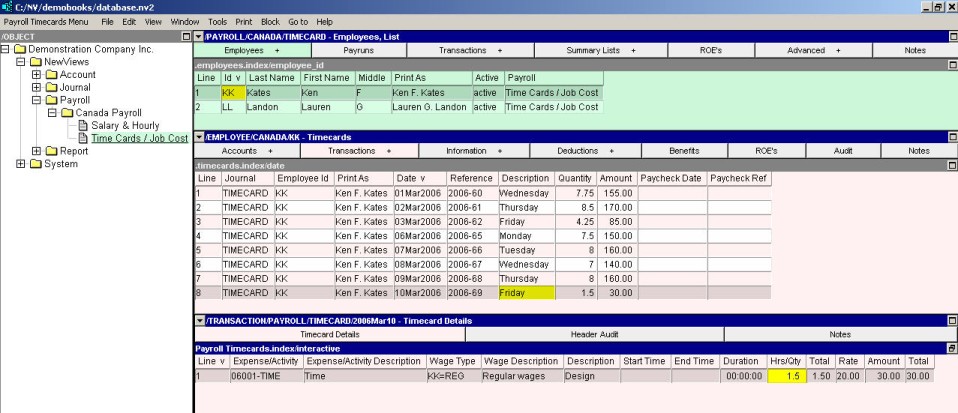
In the new timecard detail item, enter/edit the expense/activity (<F3> to select), wage type (<F3> to select), start time, end time, hours and rate as appropriate. Start time and end time are optional and may be skipped. If the start and end times are completed the calculated hours my still be edited manually. Press <F3> on either to start or end times to see a clock.