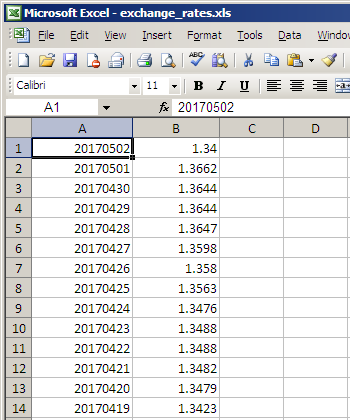
For organizations with several sets of books containing foreign currencies we recommend the use of an Excel or text file. This simplifies and centralizes the maintenance of the exchange rates.
The folder exchange_rates is a sub-folder of the NV2 installation folder, it contains foreign exchange rate files for use with NV2.
For organizations with only one set of books containing foreign currency, we recommend the use of the notes view of the
Foreign Currency - Report.
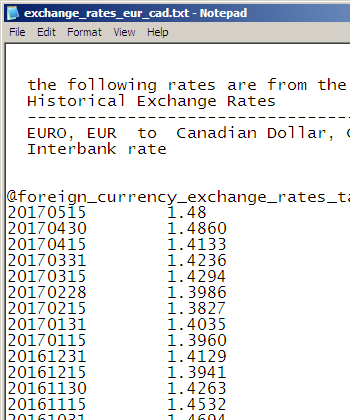
Note: If you use the notes view of the report, you must start the table with
@foreign_currency_exchange_rates_table_begin and end with
@foreign_currency_exchange_rates_table_end
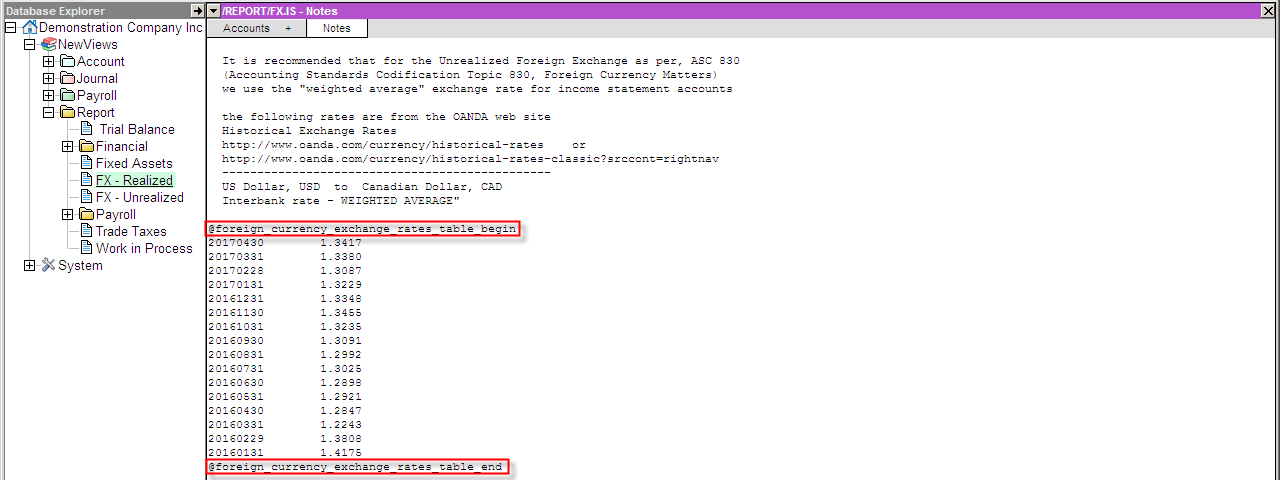
NOTE: that the date must be entered in the date format YYYYMMDD e.g. 20170430
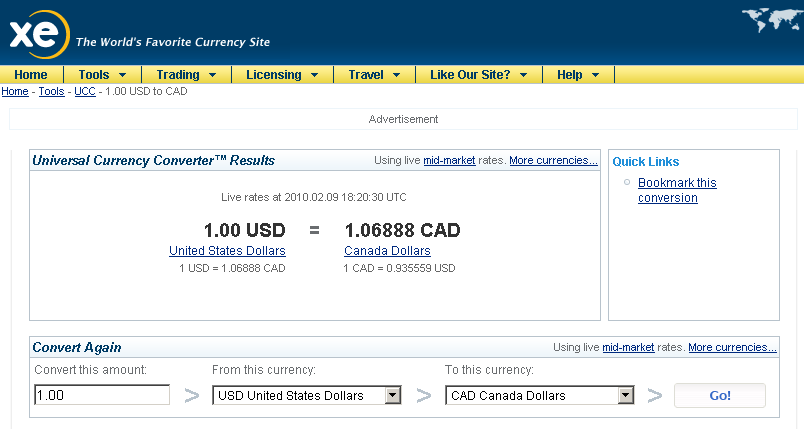
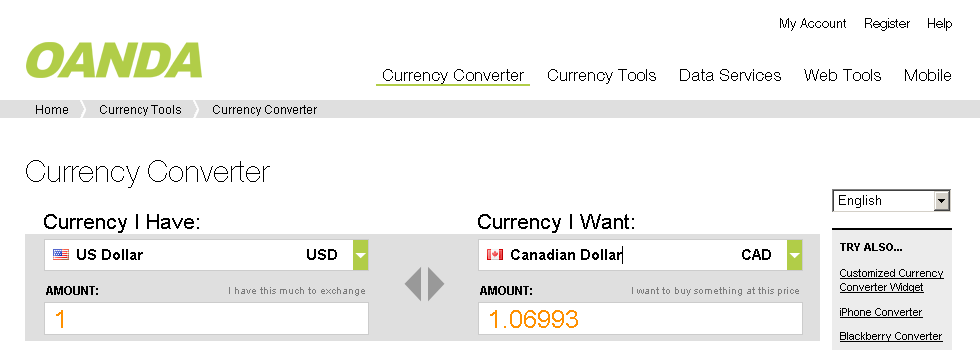
The look up of exchange rates can be done on the Internet. Many sites offer free look up of current and historical rates.
Below are two urls to foreign exchange web sites: See Screen Shots of the web sites below.
Note: some sites have Real Time Rates:
Click on the FXTrade row in the Realtime Forex Rates table to see the graph for your currency.Note: some sites have Historical Exchange Rates:
This is an easy method to get historical exchange rate for any currency pair up to several years.The Tools>Foreign Currency synchronization looks for exchange values in one of the above three places