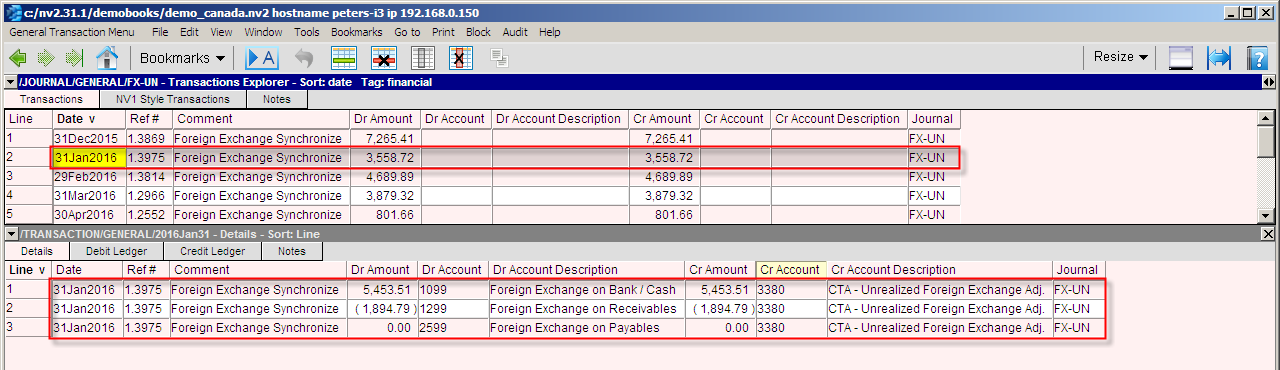
NewViews Foreign Exchange contains support for synchronizing FX (foreign exchange) account balances daily or at period end with journal entries at the existing exchange rate.
Multiple foreign currencies can be handled simultaneously. If you already have foreign exchange accounts, you may be able to use them.
It is assumed that the books at a minimum have a foreign currency bank account, and sub-foldered groups of foreign currency accounts receivable, accounts payable, sales and expense accounts.
Optionally you may add foreign currency journals for bank deposits and payments, but this is not a requirement. We do suggest adding new foreign currency journals for sales and purchases to deal with trade tax requirements.
In this section we show the setup of accounts, journals and reports to handle a foreign currency.
As always, create a Backup of your books and workstation before modifying your General Ledger.
Review the demo_canada.nv2 Trail Balance's foreign exchange accounts and Foreign Exchange report.
It is assumed that the books have a foreign currency bank account, and sub-foldered groups of
foreign currency accounts receivable, accounts payable, sales and expense accounts.
These are the accounts that will be totaled to the new Foreign Exchange report to be added (step 5).
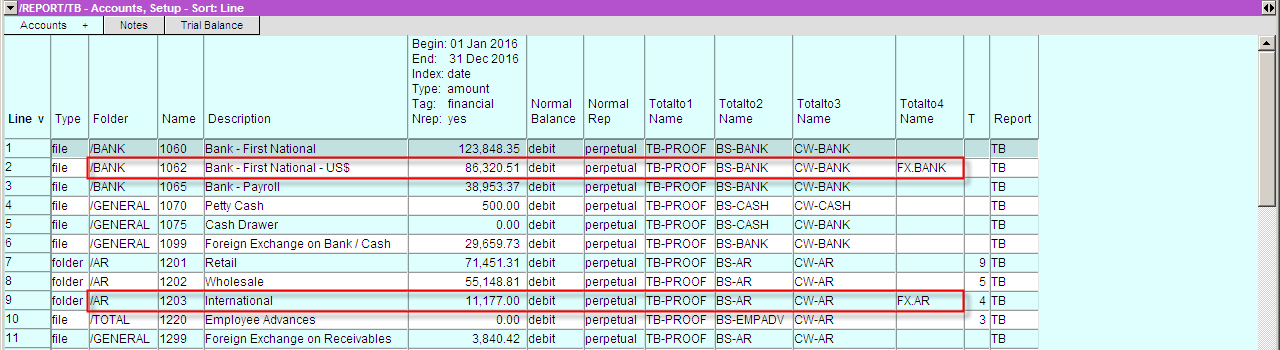
In the demo_canada.nv2 books they are accounts: 1062, 1203, 4002, 4012, 4032, 4042 and 4052.
The demo_canada.nv2 books do not have foreign currency payable or expense accounts.
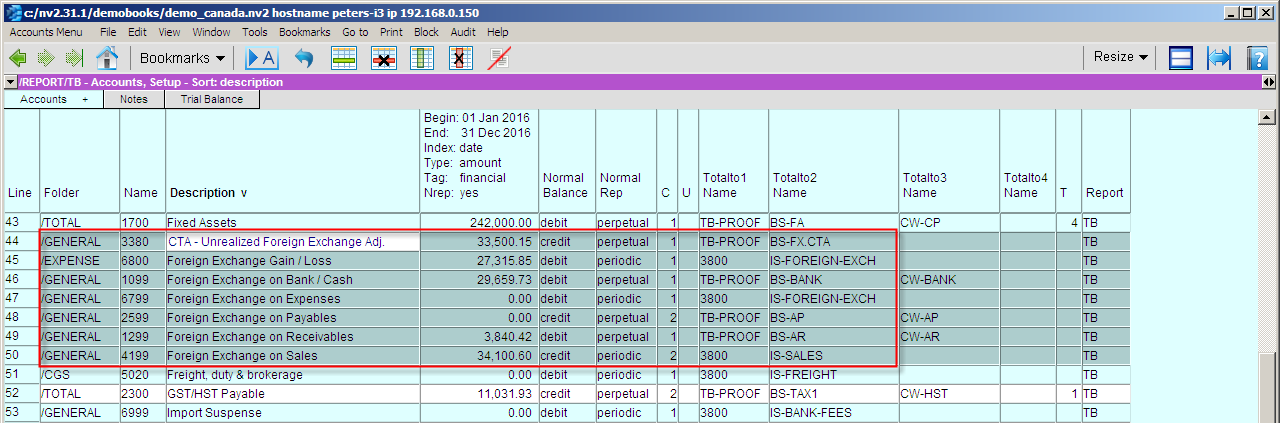
Add seven Trial Balance general posting accounts,
1099, 1299, 2599, 3380, 4199, 6799, 6800
(shown below are screen shots of the setup)
Add two new reports and name them
Foreign Exchange - Realized and Foreign Exchange - Unrealized.
On the new Realized report add two Total accounts,
with the following names and settings
On the new Unrealized report add three Total accounts,
with the following names and settings.
Total your foreign currency (Bank, AR, AP, etc) accounts to the newly created Foreign Exchange reports.
Make a copy of the Setup View with Window>Define Columns command or (shortcut <F11>) of the Foreign Exchange report and name it Setup - Foreign Exchange Links.
On the new Setup - Foreign Exchange Links view, use the View>Analysis>New_Column>Foreign_Exchange_Accounts command to add four columns to the setup view for linking the foreign exchange areas in the books.
Fill in the link fields with the names from step 4 above.
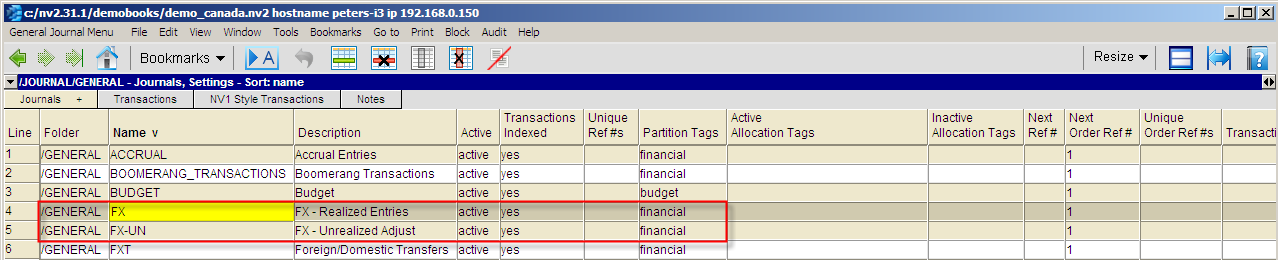
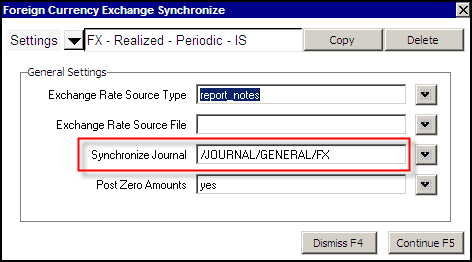
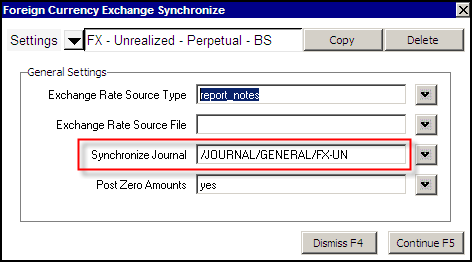
Add two new General Journals, FX Realized and FX-Unrealized to keep the Realized and Unrealized foreign exchange synchronization transactions separated.
Switch the Foreign Exchange reports to the Multiple Period Analysis view. Set the report's Resolution to monthly along with an appropriate date range, e.g. the last four months. Note: set the Respect Normal Rep to yes so that the synchronizer will calculate the appropriate amounts. Also keep the Column Order forward.
Get the exchange rates for the currencies you wish to convert from the Internet. Enter the rates on the notes view or in a file.
Block all the accounts on the report for which you wish to calculate / synchronize foreign exchange. Use the Tools>Foreign_Currency command to synchronize the accounts.
Your setup is complete. Re-synchronize your books on a regular basis. This can be done daily, weekly, monthly, etc.


Shown below is a portion of the Trial Balance where the Foreign Currency Bank account line 2 - Bank US$ and the Foreign Currency Account Receivables line 9 - International are using Totalto 4 to connect to the Foreign Exchange Unrealized Report.