In NewViews, you can always obtain on-screen help in any of three ways:

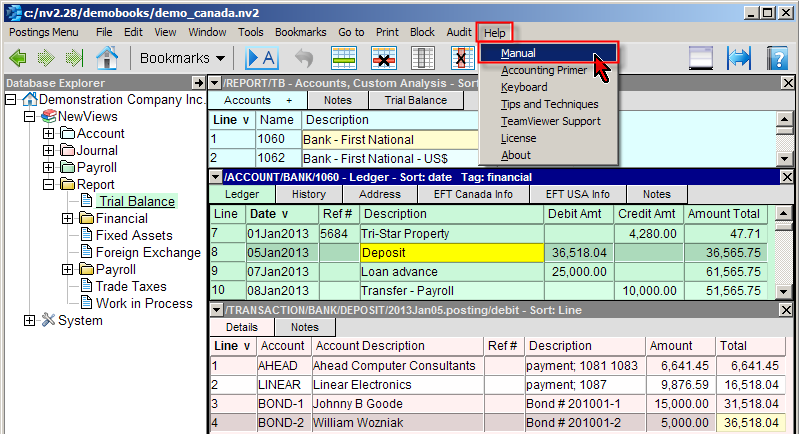
Help is context-sensitive; when help is accessed, the manual is opened and positioned in the relevant section. For more information, see NewViews Help.
Keyboard commands, mouse shortcuts and tips and techniques are summarized in the chapter Commands and Shortcut Keys. A direct link to the NewViews use of the keyboard is available on the Menu's Help command Help>Keyboard. The keyboard commands page should be printed and used as a reference until you have memorized the shortcuts.
This NewViews manual is extensively hyper linked. For example, the small table below has references to other sections in the manual. Click on any link and you will be redirected to more detailed help. Click the <Back> arrow icon (on the help page menu) to return to the previous page.
Note: Hyperlink text appears blue.
| NewViews | |||
| Keyboard & Mouse | Menu Commands | Navigating | Operating |
| Dates | Journals | Ledgers & Postings | Transactions |
| Printing | Reports | Users & Security | Audits & Sessions |