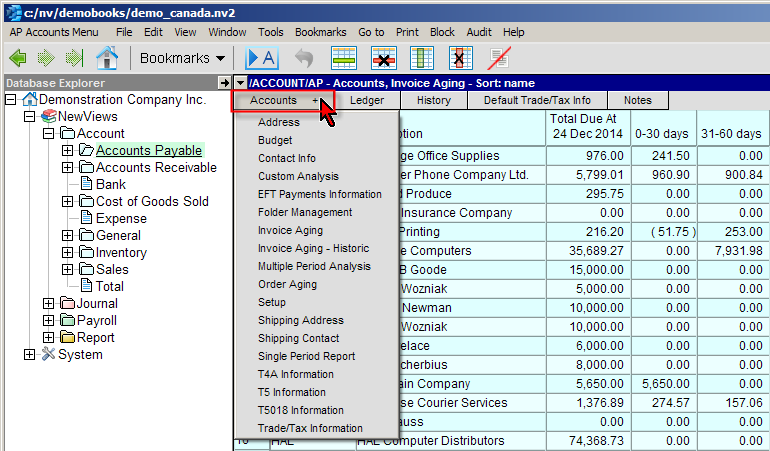
Tables have various views. For example, the Accounts Payable window has the following views; Address, Budget, Contact Info, Custom Analysis, etc. When different views of objects are available a "+" will appear in the window list and on the window tab. Click on the window Tab with the mouse to display the drop down list of the various views. See also Managing Column Layouts for more on how to control the views available.
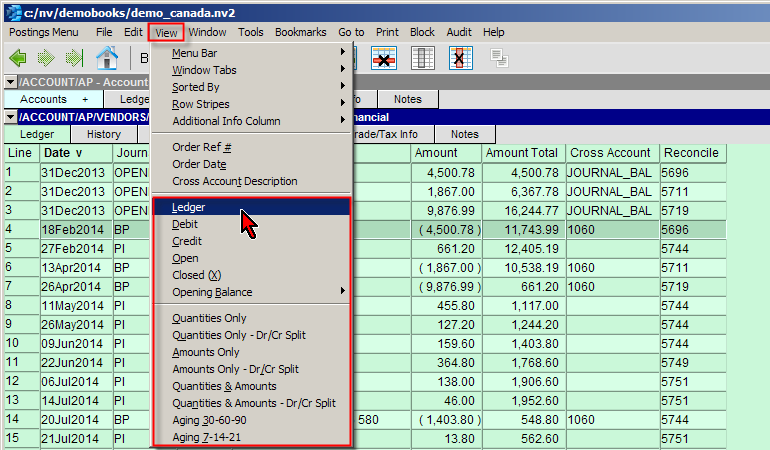
Ledgers have various views. For example, the Ledger/Posting Table window has the following views; Ledger, Debit, Credit, Open, Closed, etc. As above with accounts, custom ledger layouts may be created and saved see Managing Column Layouts for more.
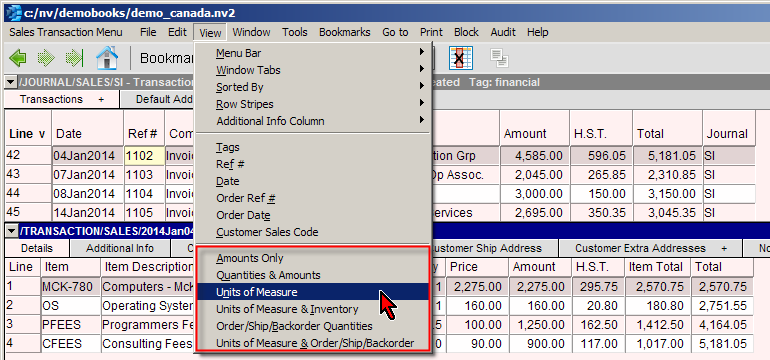
Journals also have various views. For example, the Transaction Detail Table Views window has the following views; Amounts Only, Quantities & Amounts, Units of Measure, Order/Ship/Backorder Quantities, All Columns, etc. As above with accounts and ledgers, custom journal layouts may be created and saved see Managing Column Layouts for more.
See Views for more.