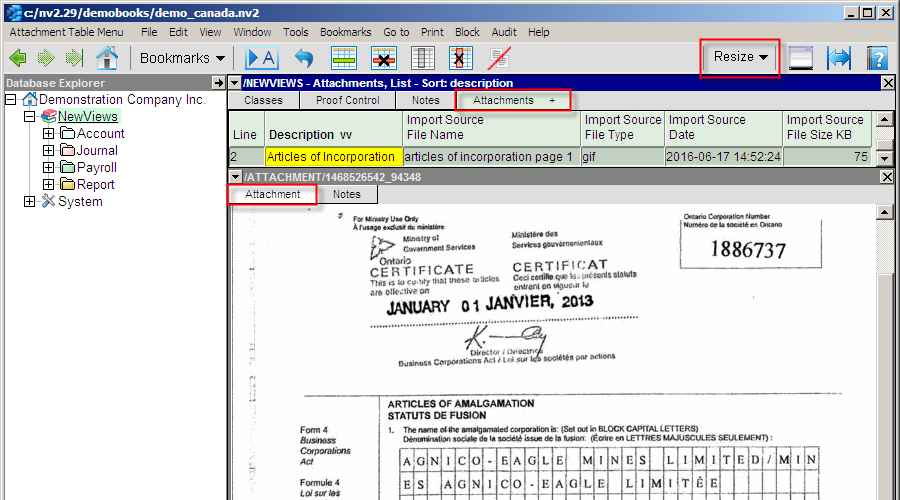
Attachments Views are used to manage attachment files, of any type, anywhere in a NewViews set of books. Attachment files of type PDF, Microsoft Office, photos, scanned images, etc. are all supported. In the case of images of type jpg, png, gif and tif which are less than 8 Mb, they will be displayed directly by NewViews in the detail pane. In all other cases, a text display will invite you to double-click to launch the file's default viewer or application.
Attachment files stored in a NewViews database are not connected or automatically synchronized with the originally imported file. If the original file is changed, and you wish to keep them synchronized, then you must re-import the modified file. This is especially true to note when you launch the file type's default viewer/application. If you modify the file, and you wish to keep them synchronized, then you must re-import the modified file.
There are two main reasons for storing attachments in a NewViews database. Presumably, your accounting database is of paramount importance regarding it's safekeeping and backup, so critical business documents will be brought into this loop, and attachments stored in NewViews become conveniently context accessible.
Attachments can be re-imported for content replacement, or exported at any time. They are also audited.
Typical attachments could include:
In the sections that follow, we will look at: