AP accounts (vendors) now have a configurable debit charge account for expense posting of purchase invoice line items. Many purchase invoices contain a single detail line with a recurring expense account. For vendors of this nature, the default debit charge account can be configured and overridden as needed.
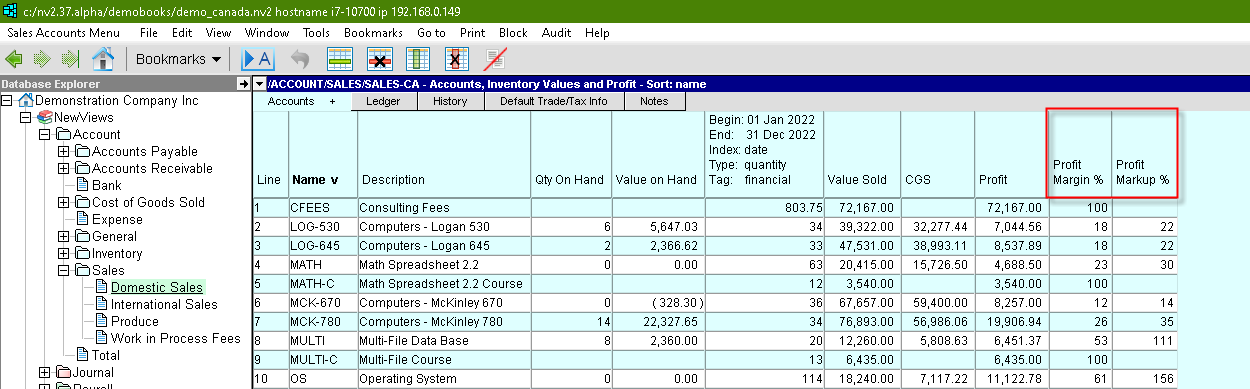
Shown below is a sample table of AP accounts (vendors) with the detail companion pane for Trade/Tax Info exposed. Notice the Default Debit Charge Account field at the top. <F3> can be used to select any account in your database. Note that the window tab in the top pane (named "Default Trade/Tax Info") is used for setting defaults for the entire folder. Also note that a different default can be set for each folder, and a default can also be set for all AP accounts.
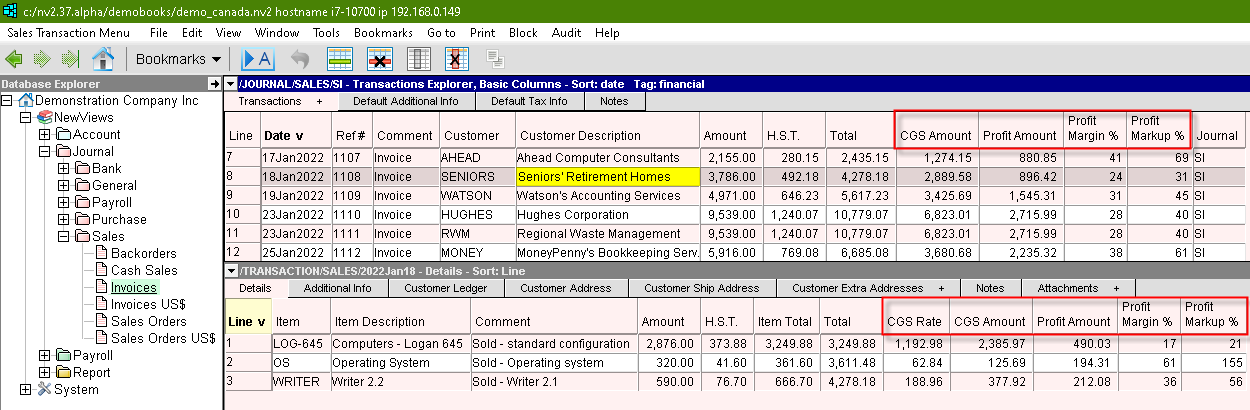
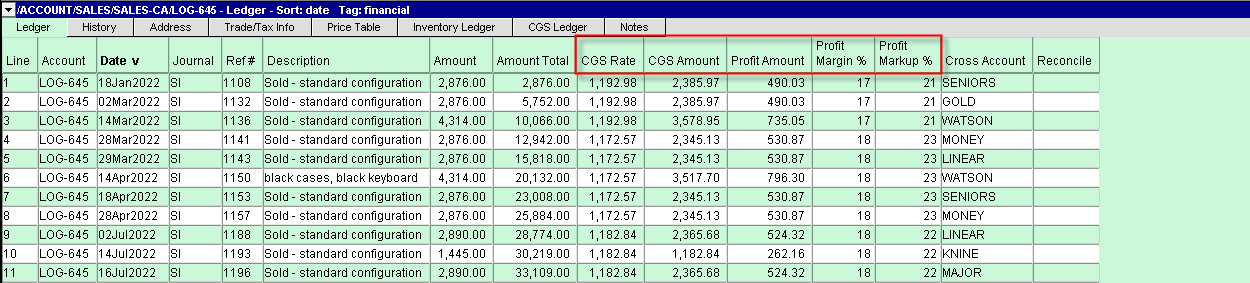
Shown below are two examples of where the default will appear when new items are added. The first is an AP account ledger. The second is a purchase journal.
When transaction duplication was improved for better performance, an unintended consequence occurred. Red (uninterruptible) progress bars began appearing on other users' screens, disrupting workflow. In this release, duplicating small transactions will not cause any effect on other users. Transactions with fewer than 20 detail items are considered "small".
The update of nested red progress bars was improved.
When progress bars were "nested", meaning child operations occurred within parent operations, the parent bars were not being updated until the child bars completed. Now all bars update properly.
In some menus the new Help>Remote Support command to launch RustDesk was missing. This release corrects the problem. NOTE: any right click menus that exist will be updated in the next version (i.e. 2.39.0).
Tools>Pay Account, when directed to Post & Print cheques with file name substitutions in the file name template fields (e.g. vendor %_name or %_description), failed to make the substitutions. This release corrects the problem.