The Accounts Receivable folder display all customers with a variety of information choices.
Below we display the Single Period Report view which includes the account folder, account name, description and balance.
For more information on changing the views please see Information Views.
For more information on changing the ledger views please see Ledger/Posting Table Views.

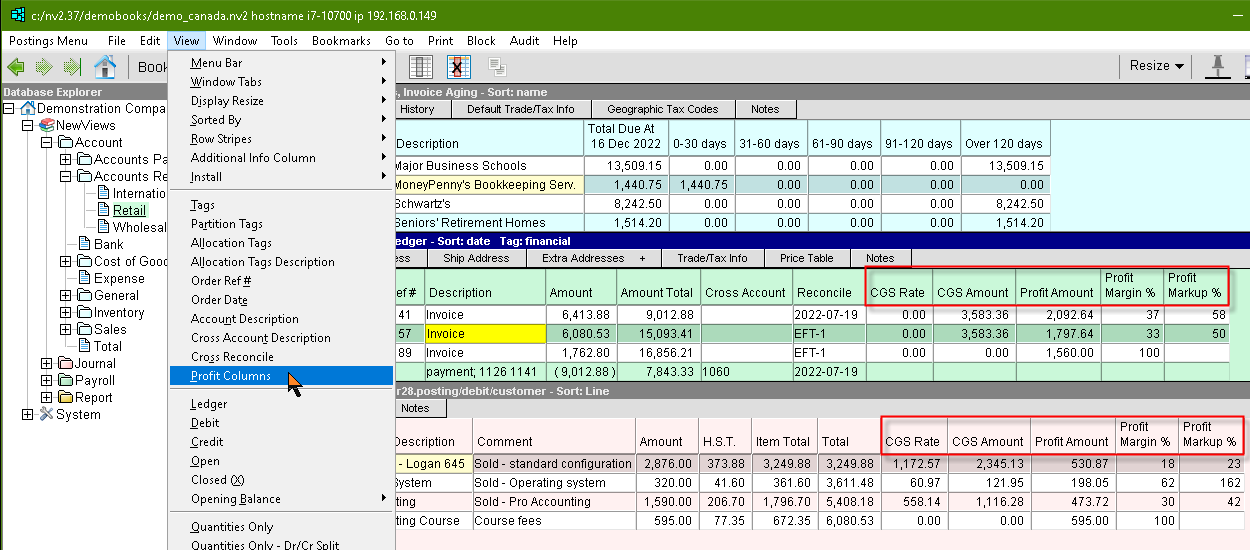
The Profit Columns can be added by executing the menu command View>Profit Columns on the ledger table and/or the transaction detail table.