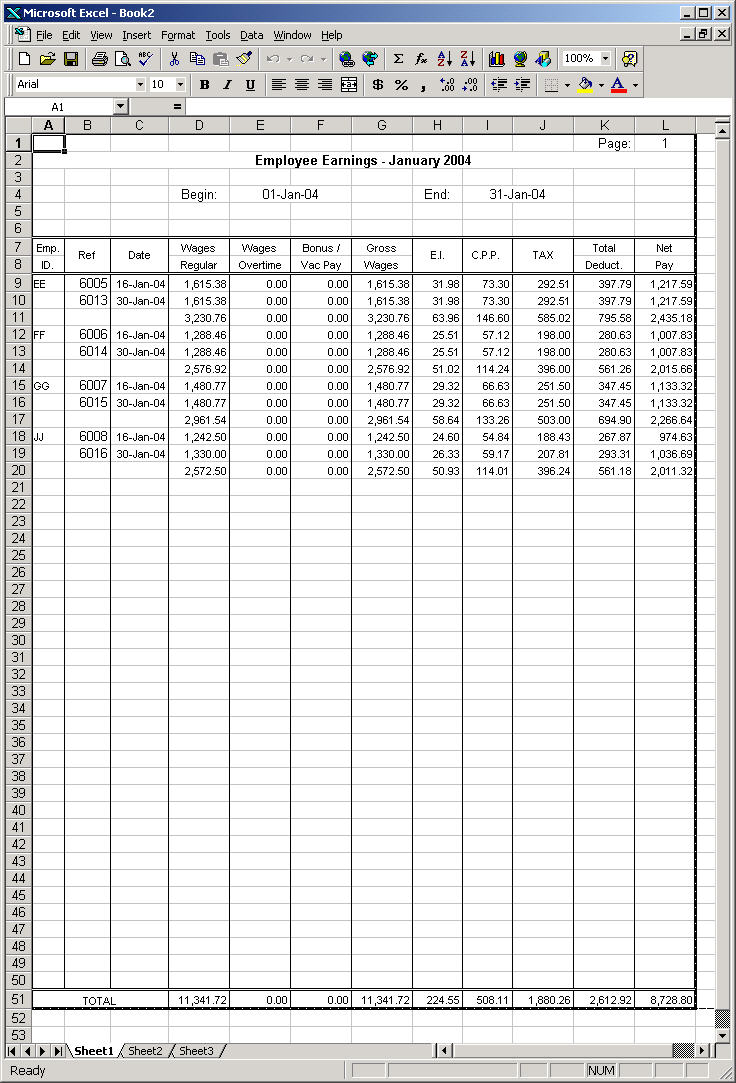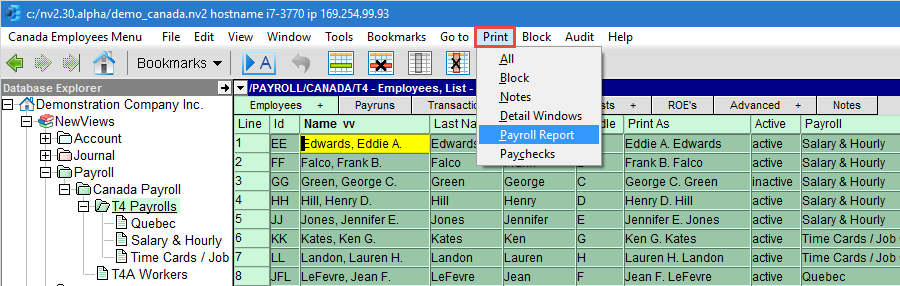
To print a payroll report:
Activate the payroll containing the employees you want included in the report.
Mark a block of employees to be included.
Issue the command Print>Payroll Report to display the report settings window.
Fill in the settings and click <Continue>.