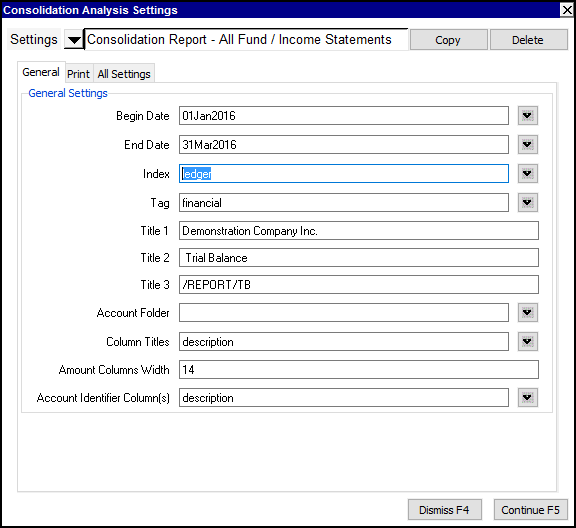
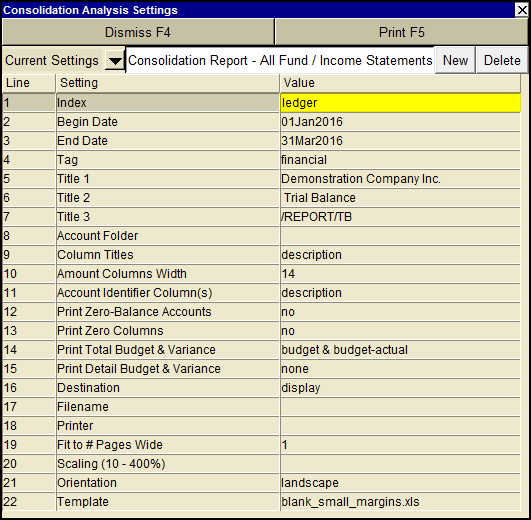
A Consolidation Analysis can be printed from any report in the books.
To print the report:
Activate the report you wish to print.
To print only a section of the report, use the Block>Start and Block>End commands to mark the section you wish to print. (If no block is marked, the entire report is printed.)
Issue the Print>Consolidation Analysis command, and enter/edit the settings as required.
Click the Print button to print the report.